



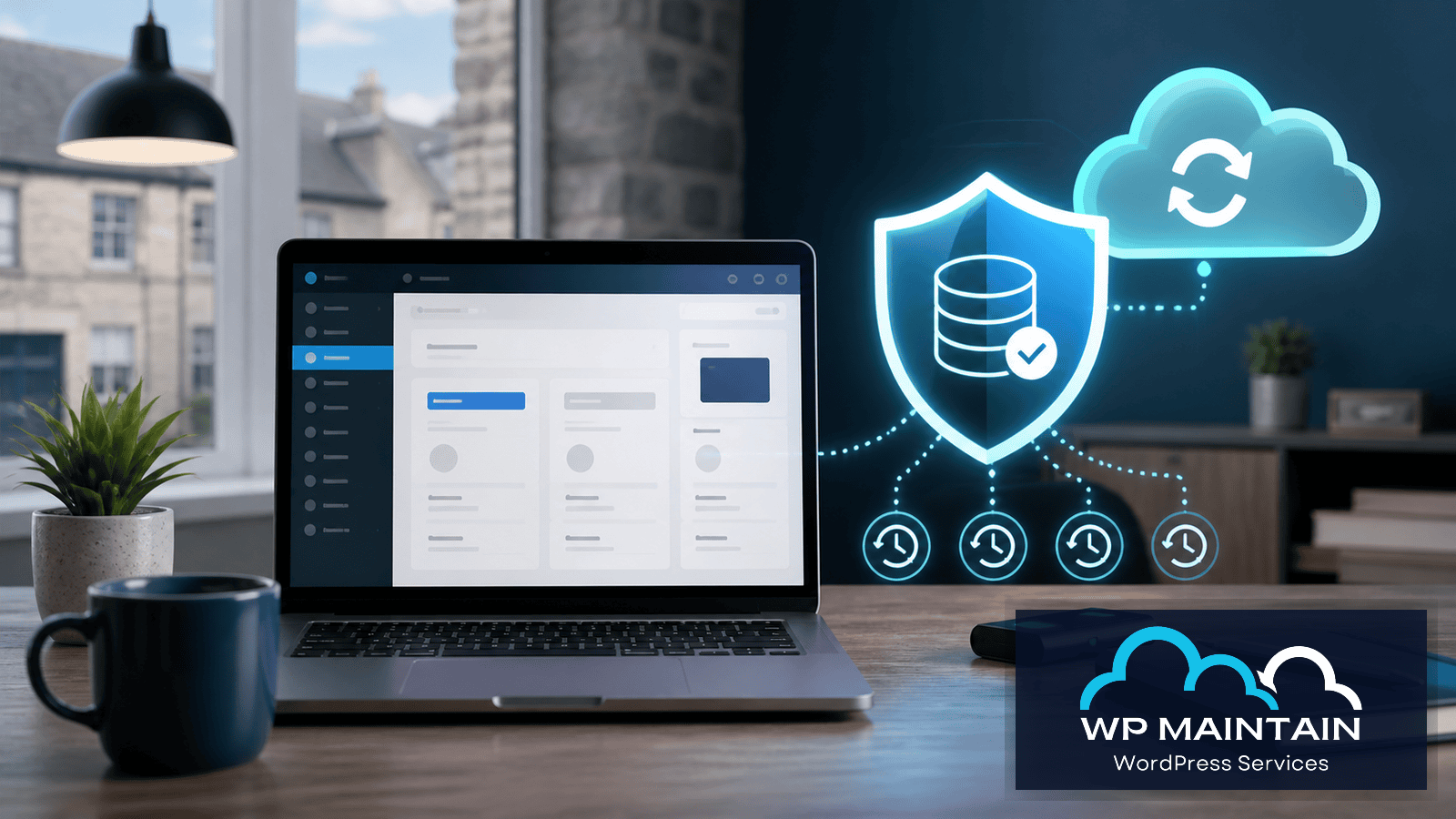
WordPress backups Ireland businesses rely on should do more than create a copy of the site. They should make recovery faster, safer, and much less stressful when something goes wrong.
If you run a business website, a backup probably sounds like one of those things you assume is already handled.
That assumption is where a lot of trouble starts.
For many small businesses, WordPress backups in Ireland only become a serious topic after something has already gone wrong. A plugin update breaks the site, a page disappears, malware gets in, or the host has an issue and suddenly everyone starts asking the same question.
Can we get the site back quickly?
That is the real point of a backup. It is not just a technical checkbox. It is your recovery path when the website is damaged, compromised, or changed in a way that affects leads, enquiries, bookings, or sales.
If you want a practical second opinion on your current backup setup, you can review our WordPress maintenance service or book a consultation.
Why WordPress backups matter more than most businesses think
Business owners often hear the word backup and imagine a copy of the website sitting somewhere safe.
That is only part of the picture.
What matters is whether the backup is:
- recent enough to be useful
- complete enough to restore the full site
- stored somewhere separate from the live website
- easy to recover quickly under pressure
If any of those pieces are missing, the backup may exist without really protecting the business.
That is why WordPress backups in Ireland should be treated as an operational safeguard, not just a hidden hosting feature.
What WordPress Backups Ireland Businesses Should Actually Include
A proper WordPress backup should cover more than a few website files.
In practical terms, it should include:
- the WordPress database
- uploads such as images, PDFs, and media files
- theme files and plugin files
- important configuration where relevant
- enough structure to restore the site cleanly
If the database is missing, the site content, settings, forms, and much of the actual working setup may not come back properly.
If uploads are missing, pages can return with broken media, downloads, or missing assets.
If the backup process is inconsistent, you may only discover the gaps when you actually need to restore.
The official WordPress backup guidance is useful for understanding the basics, but most business websites also need a practical recovery process behind the files themselves.
WordPress backups Ireland: how often should they run?
There is no single backup schedule that suits every site.
The right frequency depends on how often the website changes and what would be lost if you had to roll back.
Lower-change sites
For a simple brochure website with infrequent updates, less frequent backups may be workable.
Business-critical sites
For sites that generate leads, take bookings, process orders, or change content regularly, backup frequency matters much more.
If a site changes daily, restoring a week-old backup may still leave a business with lost enquiries, missing edits, or outdated product information.
That is one reason the live WP Maintain maintenance page now positions backups by plan level, with weekly backups on Basic and daily backups on Standard and Premium.
The core idea is sensible. Backup frequency should reflect business risk, not convenience.
Why hosting backups are not always enough
This is one of the most common misconceptions.
Many hosts do provide backups. That can be helpful, but it does not automatically mean the website is fully protected.
The gaps usually come down to questions like:
- how often are the backups taken?
- how long are they retained?
- are they stored offsite?
- is restoration simple or ticket-based?
- are they reliable at the exact point you need them?
Sometimes the host backup is perfectly fine. Sometimes it is vague, limited, or slow to use under pressure.
That is why a business should not just ask whether backups exist. It should ask whether the recovery path is clear.
If your site already feels fragile or awkward to manage, our guide on how to maintain a WordPress website gives broader context for the kind of routine processes that reduce risk before restore decisions are needed.
Offsite storage matters more than people expect
A backup is much safer when it is stored separately from the live hosting environment.
If the site and the backup both depend on the same system, the same account, or the same point of failure, recovery becomes more uncertain.
That is one reason the live WP Maintain maintenance page emphasises encrypted offsite backup storage rather than treating backups as a vague extra.
Offsite storage helps protect against:
- hosting-level issues
- accidental deletions
- corrupted site states
- security incidents that affect the live environment
The backup does not need to be complicated for the client. It just needs to be dependable.
A restore process is as important as the backup itself
This is the part many businesses do not think about until the stressful moment arrives.
You can have regular backups and still have a weak recovery plan if no one knows:
- how to restore the site safely
- how long restore usually takes
- what happens after the site comes back
- how to check whether forms, emails, payments, and key pages still work
The backup is only half the story. The restore process is the part that turns a technical asset into real operational protection.
That is why one-click restore, tested recovery steps, and plain-English reporting matter. They reduce hesitation when time matters.
Common moments when backups suddenly become important
Most businesses do not worry deeply about backups on an ordinary Tuesday.
They worry about backups when something specific happens.
1. An update breaks the site
A plugin, theme, or core update can create a problem that is bigger than it first appears.
The visible issue may be a broken layout, but the deeper problem can affect forms, checkouts, or site functionality in ways that are not obvious right away.
2. Malware or suspicious behaviour appears
If a site is hacked, redirecting, or showing unusual behaviour, the business needs containment and cleanup, but it also needs a clean recovery option.
The official WordPress hardening guidance is a useful reference, but a business site also needs someone to make sensible restore decisions quickly.
3. A page or setting is changed by mistake
Not every restore event is dramatic. Sometimes it is a bad edit, a deleted page, or a configuration mistake that quietly causes trouble later.
4. Hosting problems or migration issues appear
If hosting fails or a migration goes badly, a good backup can be the difference between inconvenience and a serious outage.
What small businesses should ask about WordPress backups in Ireland
If you are reviewing your current setup, ask practical questions rather than technical vanity questions.
Useful ones include:
- How often are backups taken?
- Are they stored offsite?
- How long are they kept?
- Can the full site be restored quickly?
- Who actually handles the restore?
- Is the restore process tested or just assumed?
- What happens after the restore to confirm the site is working?
Those answers usually tell you more than a long list of dashboard features.
If you are not sure what condition your site is in overall, a free WordPress health check can be a sensible starting point.
What a WordPress backup service should include
For most Irish small businesses, a useful backup service should not stop at file storage.
It should usually include:
- a sensible backup frequency
- encrypted offsite storage
- a clear retention policy
- straightforward recovery support
- awareness of updates, performance, and security
- confirmation that the site is functioning after a restore
That is one reason backup quality is closely tied to maintenance quality.
Backups work best when they sit inside a broader support process that also covers updates, monitoring, and issue response.
Our recent guide on WordPress support in Ireland explains where business owners can safely stay hands-on and where support starts becoming the safer option.
Where WP Maintain fits
The live WP Maintain maintenance page is clearly positioned around proactive support rather than reactive panic.
That includes:
- weekly or daily backup routines depending on plan
- encrypted offsite storage
- one-click restore support
- monitoring and maintenance around the site itself
- plain-English monthly reporting
WordPress backups Ireland businesses rely on should do more than create a copy of the site. They should make recovery faster, safer, and much less stressful when something goes wrong. That combination matters because most businesses do not just need a backup file. They need confidence that recovery will be handled properly if the site is ever under pressure.
Final thoughts
The best WordPress backup in Ireland is not the one that sounds impressive on a checklist.
It is the one that helps your business recover quickly, cleanly, and with as little uncertainty as possible.
If the website supports enquiries, bookings, sales, or reputation, backup readiness should not be left vague.
Recent backups, offsite storage, and a clear restore path are what make the difference when something breaks.
If you want help reviewing your current setup, you can book a consultation or explore our WordPress maintenance plans.
Frequently asked questions
How often should a WordPress site be backed up?
That depends on how often the site changes and how much business impact a rollback would have. For business-critical sites, daily backups are often a much safer baseline than occasional backups.
Where should WordPress backups be stored?
Ideally, offsite and separate from the live hosting environment. That reduces the risk of one hosting or account issue affecting both the website and the backup.
Are hosting backups enough for a business website?
Sometimes, but not always. The important questions are how recent the backups are, how long they are retained, and how easy it is to restore the full site when something goes wrong.
What should a WordPress backup service include?
At a minimum, regular backups, offsite storage, a clear retention policy, reliable restore support, and a process to confirm the site is working properly after recovery.