




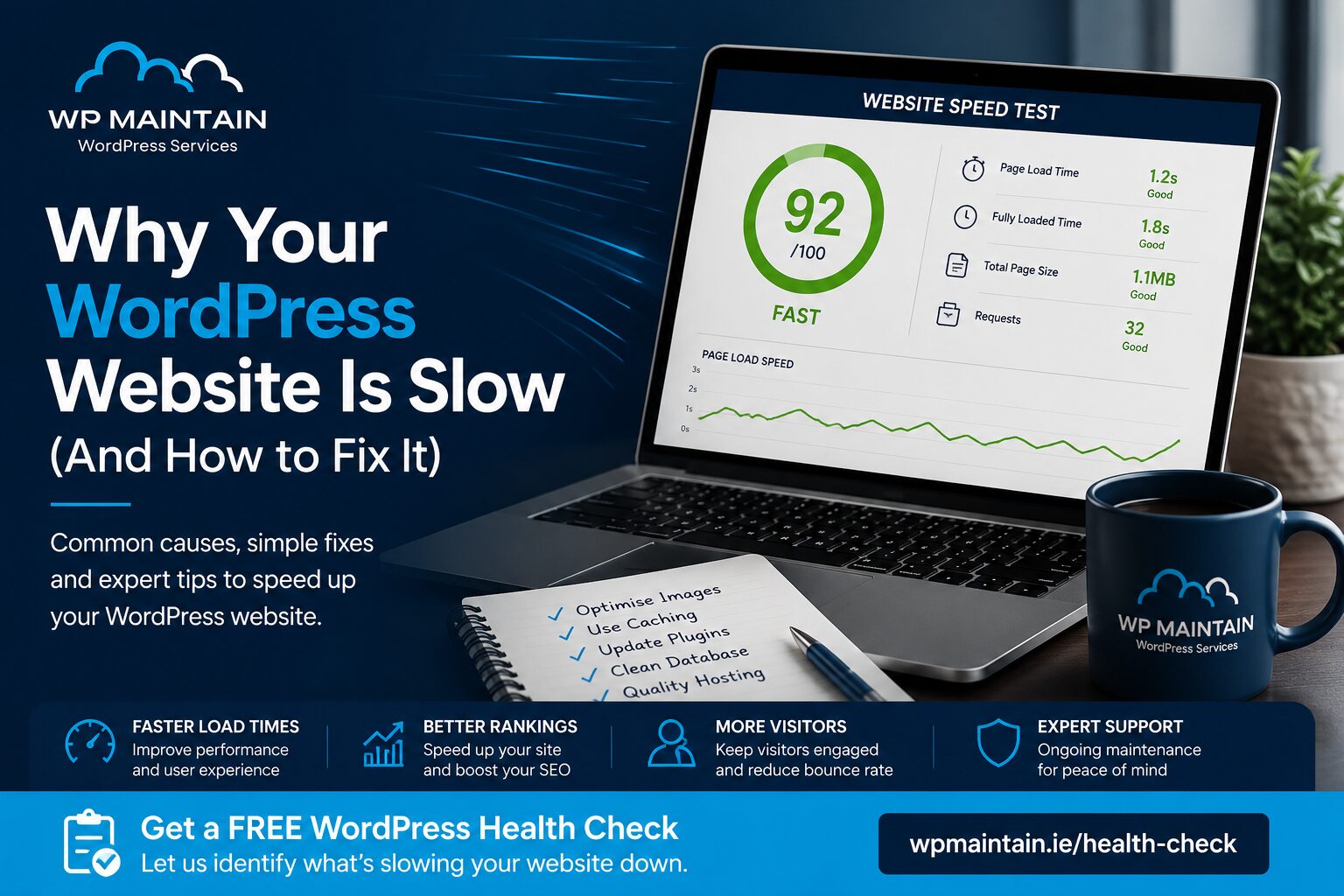
Why Your WordPress Website Is Slow (And How to Fix It)
A slow website is more than just an inconvenience—it can cost you customers, reduce your Google rankings, and damage your business’s reputation.
Visitors expect websites to load in just a few seconds. If your WordPress site takes too long, many potential customers will leave before they’ve even seen what you offer.
At WP Maintain Ireland, one of the most common questions we hear is:
“Why has my WordPress website become so slow?”
Why Your WordPress Website Is Slow
If you are wondering why your WordPress website is slow, the cause is usually a mix of hosting, plugins, images, caching, or database bloat.
The good news is that most performance problems can be identified and fixed. In this guide, we’ll explain the most common causes of a slow WordPress website and what you can do to improve it.
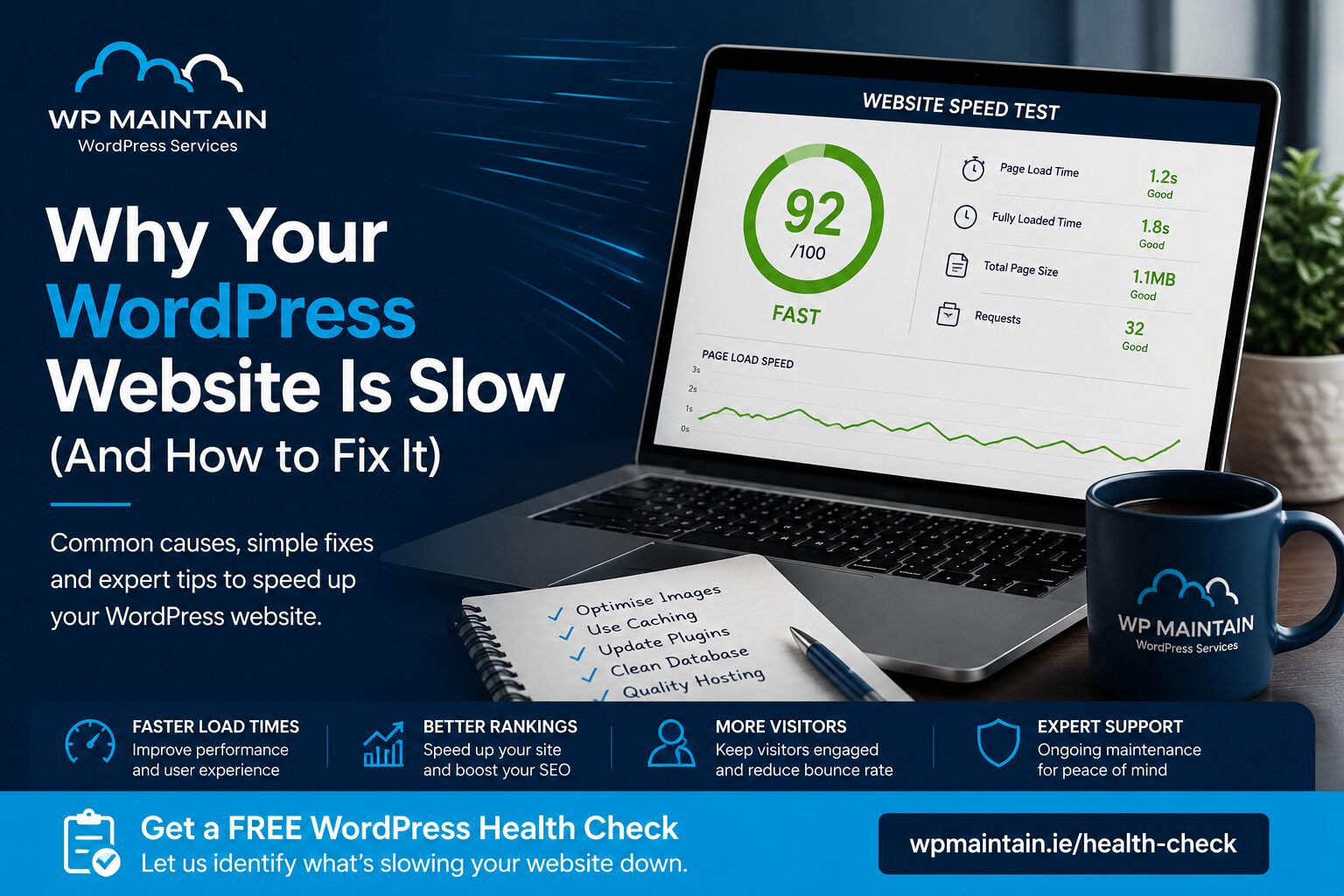
1. Too Many Plugins
One of WordPress’s biggest strengths is its enormous plugin ecosystem. However, installing too many plugins—or poorly coded ones—can significantly slow your website.
Every plugin adds additional code that your server must process. Some plugins also make extra database requests or load unnecessary scripts on every page.
Signs this may be affecting your website include:
- Slow page loading
- Delays in the WordPress dashboard
- High server resource usage
- Random performance drops
What to do
- Remove plugins you no longer use.
- Replace multiple plugins with a single, well-supported alternative.
- Keep all plugins updated.
- Avoid installing plugins from unknown developers.
Remember, quality matters more than quantity.
2. Poor Web Hosting
Not all hosting companies provide the same level of performance.
Cheap shared hosting often places hundreds of websites on the same server. If one website experiences high traffic, everyone else can suffer slower loading times.
A quality WordPress host offers:
- Faster servers
- Better caching
- Modern PHP versions
- Optimised databases
- Enhanced security
Hosting is the foundation of website performance.
3. Large Images
Images are often the biggest files on any website.
Uploading photographs directly from a phone or camera without optimisation can dramatically increase page size.
For example:
- Camera image: 8–15 MB
- Optimised web image: 150–300 KB
Multiply that by several images per page and loading times increase dramatically.
Best practices
- Resize images before uploading.
- Compress images without noticeable quality loss.
- Use modern image formats such as WebP where possible.
- Enable lazy loading.
4. Outdated WordPress, Themes and Plugins
Running outdated software affects both security and performance.
Developers regularly release updates that:
- Improve speed
- Reduce memory usage
- Fix bugs
- Improve compatibility
- Patch security vulnerabilities
Ignoring updates often results in slower websites over time. Professional maintenance ensures updates are tested and applied safely.
5. Database Bloat
Every WordPress website stores information in a database.
Over time it fills with:
- Old revisions
- Spam comments
- Expired transients
- Deleted plugin data
- Unused tables
A cluttered database makes every request take longer.
Routine database optimisation helps restore performance and keeps your website running efficiently.
6. No Website Caching
Without caching, WordPress generates every page from scratch whenever someone visits your website.
That means:
- PHP executes
- Database queries run
- Content is assembled
- Images load
Every single time.
Caching stores a ready-made version of your pages, allowing visitors to receive content much faster.
7. Too Many External Scripts
Many businesses install services such as:
- Google Analytics
- Facebook Pixel
- Live Chat
- Marketing automation tools
- Social media widgets
- Review plugins
While these tools are useful, too many can noticeably affect performance.
8. Poorly Optimised Themes
Some WordPress themes prioritise flashy animations and visual effects over speed.
A lightweight, professionally built theme usually provides:
- Faster loading
- Better Core Web Vitals
- Improved SEO
- Better user experience
Why Website Speed Matters
Better Google Rankings
Google considers page speed when evaluating websites. Faster sites are generally easier to crawl and provide a better user experience.
More Enquiries
Visitors are more likely to stay on fast websites, leading to more enquiries, bookings and online sales.
Better User Experience
A responsive website creates a professional impression and encourages visitors to explore additional pages.
You can test your site speed with Google PageSpeed Insights, which is a useful starting point for identifying performance issues.
Google also explains Core Web Vitals, which help show how speed and usability affect page experience
How Professional WordPress Maintenance Helps
Many speed issues develop gradually over months or years.
At WP Maintain Ireland, our maintenance service includes:
- WordPress updates
- Plugin updates
- Theme updates
- Security monitoring
- Performance optimisation
- Database optimisation
- Regular backups
- Ongoing health checks
Rather than fixing problems after your website slows down, we work to keep it performing at its best all year round.
How to Tell if Your Website Needs Attention
- Pages taking more than three seconds to load
- A slow WordPress dashboard
- Visitors leaving quickly
- Lower Google rankings
- High hosting resource usage
- Random website errors
- Frequent plugin problems
Get a Free WordPress Health Check
Not sure what’s slowing your website down?
WP Maintain Ireland offers a Free WordPress Health Check that identifies common performance, security and maintenance issues.
We’ll review your website and highlight opportunities to improve speed, reliability and security—with no obligation.
Contact WP Maintain Ireland today and let us help your website run faster, safer and more efficiently.
Frequently Asked Questions
Why is my WordPress website suddenly slow?
Common causes include outdated plugins, poor hosting, oversized images, database bloat and plugin conflicts.
Can too many plugins slow down WordPress?
Yes. Every plugin uses server resources, and poorly coded plugins can significantly impact website performance.
Does website speed affect SEO?
Yes. Google considers page speed and user experience as ranking signals.
How often should WordPress maintenance be performed?
WordPress maintenance should be carried out regularly—ideally every week—to keep your website secure, fast and fully up to date.
Ready to Improve Your Website’s Performance?
If your website isn’t performing as well as it should, now is the perfect time to find out why.
Book your FREE WordPress Health Check with WP Maintain Ireland today and discover how professional maintenance can keep your website secure, fast and running at its best.